Message Blink offers a comprehensive walkthrough to enable powerful SMS campaigns within Salesforce- no coding required. You’ll start by logging into your Salesforce instance (sandbox or production), then creating an SMS-type Campaign (up to 10,000 contacts). Add recipients via manual selection, reports, or CSV import, ensuring opt-in consent for privacy compliance. Use Message Blink- installed from Salesforce AppExchange—to access its Bulk SMS feature: select your campaign, compose your personalized message using merge fields (under 160 characters), choose a messaging route, and hit Send. Monitor incoming replies through the Live Inbox, respond directly from contact records, track opt-outs, and view analytics like delivery and response rates. The guide also includes troubleshooting tips, compliance best practices, and automation ideas using Salesforce Flows. Read- https://www.messageblink.c...
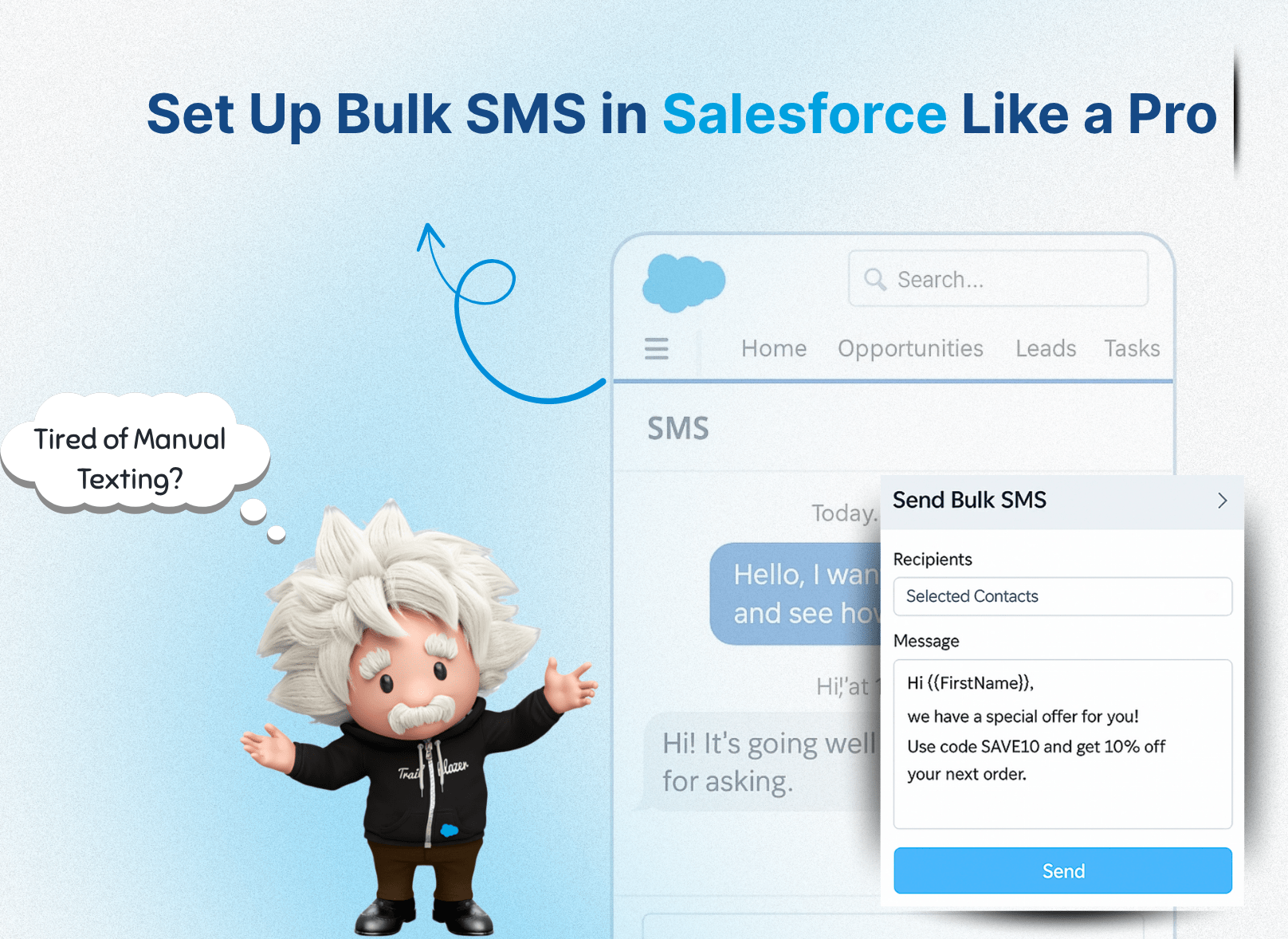
How To Set Up Bulk SMS In Salesforce?
Learn how to send bulk SMS in Salesforce with this step-by-step guide. Set up SMS marketing and native Salesforce integration easily using Message Blink.
https://www.messageblink.com/bulk-sms-in-salesforce-setup-guide/
07:59 AM - Aug 27, 2025
Only people mentioned by messageblink in this post can reply